

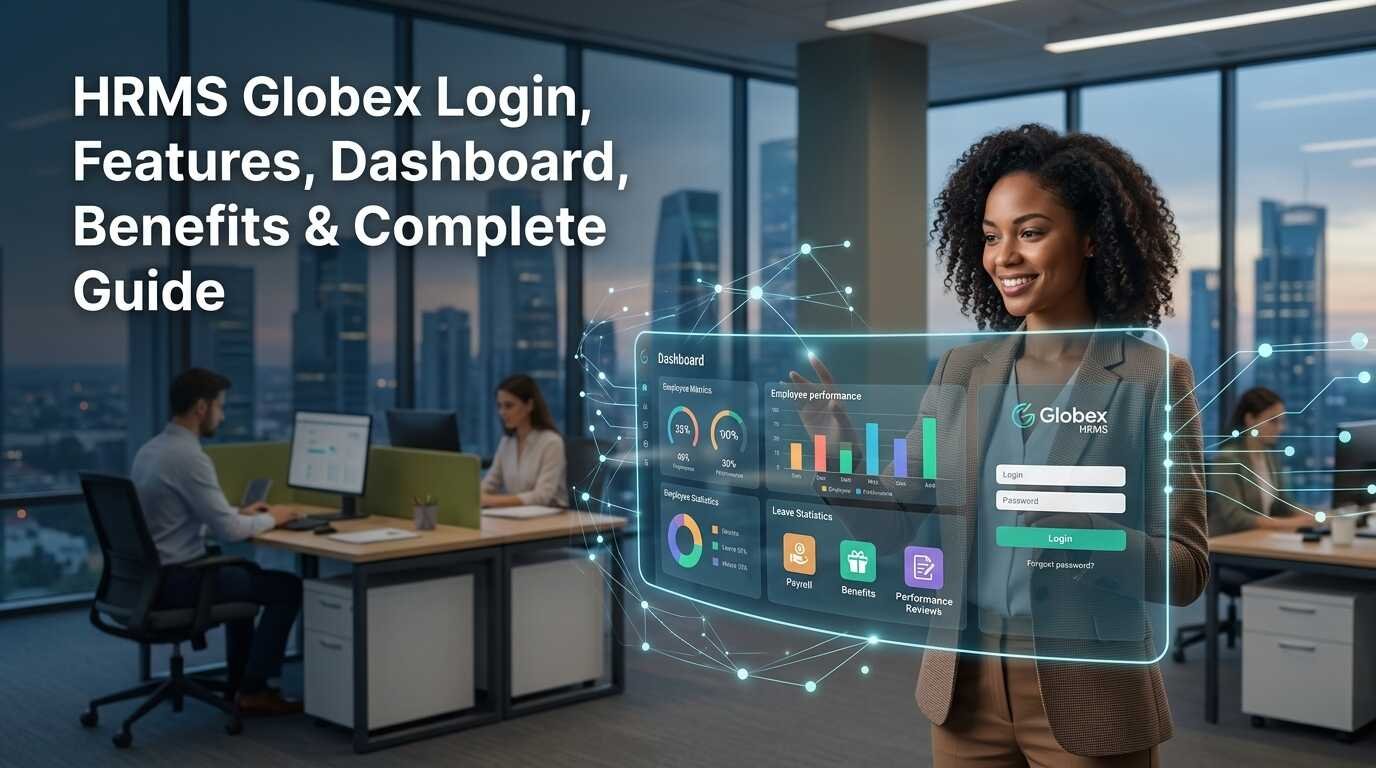
Searching for HRMS Globex? Maybe you just want to login to an employee account, recover a lost password, learn about a dashboard choice or simply discover what the platform really does. The trouble is there are dozens of online articles that list off scores of HR tools as if all users are operating the identical platform.
That is not necessarily the case.
The publicly available HRMS portal validates by using username-and-password, and its reset password page collects Employee Code. An official document located on the public Globex HRMS domain also describes a PMS with employee self-review, reporting-lead review, and final review processes.
Meanwhile, the areas of attendance, leave, payroll, employee self-service, and recruitment are mostly listed on third-party websites as being located in HRMS Globex. The feature shown here then should not be taken as available for all, but can vary according to the information entered into your account.
This guide explains HRMS Globex login, password recovery, dashboard access, documented functionality, commonly reported HR features, troubleshooting, security considerations, and the questions employees are most likely to have.
What Is HRMS Globex?
HRMS is short for Human Resource Management System. In general, HRMS software solutions help employers to efficiently streamline their employee data and digital HR workflows in a single portal.
HRMS Globex is known in connection with the employee portal under the Globex domain name. The employee portal is meant for authorized users, not for open public registration. The login and password-recovery pages available on this employee portal suggest that it is an account-based system with users log on to access their entity’s services.
This difference is important because some sites have characterized HRMS Globex as a free enterprise-wide HR service available to anyone who wishes to register. The open source documentation is unclear on whether a standard self-registration process, standard cost structure, or standard feature set exist for all customers.
In practical terms: an employee should normally be able to obtain access credentials via their employer, HR department, or a designated system administrator.
What Does an HRMS Usually Manage?
Depending on the organization’s configuration, an HRMS can bring together processes such as:
- Employee records
- Attendance information
- Leave requests
- Payroll-related information
- Performance reviews
- HR documents
- Employee self-service
- Recruitment and onboarding
- Training
- Reporting
These categories are not assumed to be standard in any HRMS Globex account. Note that the authenticated dashboard is not on the public web so you might see different menus in use for each individual user according to their role and level of access.
HRMS Globex Login: A Step-by-Step Portal Access Guide
Most searching for HRMS Globex login want to access the login page.
The publicly listed HRMS portal is http://hrms.theglobex.com Public Login screen: User ID Password
Securely use the portal address given by your employer or HR/IT and check the domain before entering your credentials by following online account security practices.
How to Log In to HRMS Globex
The basic process is straightforward:
- Open the HRMS Globex portal provided by your organization.
- Confirm that the website address is correct.
- Enter your assigned username.
- Enter your password.
- Submit the login form.
- Wait for the account dashboard to load.
- Select the HR service available to your account.
The self registration link does not appear to be publically available on the login page: So for an employee signing on for the first time without any credentials, he/she should normally go to their HR contact or other relevant administrator to get help establishing their account.
What Do You Need Before Logging In?
| Requirement | Purpose |
| Username | Identifies your account |
| Password | Authenticates access |
| Employee Code | May be needed for password recovery |
| Active employee account | Allows access to authorized services |
| Organization-provided instructions | Helps confirm the correct portal and credentials |
If your credentials do not work, check for typing errors, extra spaces, incorrect capitalization, or an outdated password before assuming that the portal itself is unavailable.
How to Reset a Forgotten HRMS Globex Password
For users who cannot remember their password, the public recovery page provides a Forgot Password function and asks for an Employee Code.
The general process is:
- Open the HRMS Globex login page.
- Select Forgot Password.
- Enter your Employee Code.
- Complete the verification information requested by the portal.
- Follow the recovery instructions presented.
- Return to the login page and sign in using the updated credentials.
The recovery page displays an Employee Code and CAPTCHA fields.
If you do not know your Employee Code please do not try to guess many times. This information should be available with your HR or HRMS administrator.
What Is the HRMS Globex Dashboard?
Once a user has successfully signed in they arrive at the dashboard which is essentially the home page from where they will be directed to any of the HR tools enabled for their account.
Another is that not all of your staff should have the same dashboard.
Access to a different set of functions as a reporting manager, reviewer, HR professional or administrator. An employee’s eligibility may impact whether a specific function is displayed.
This is explicitly clear in the documented Performance Management System. The user guide for Performance Review states that: Those eligible sign in to Performance Review from the dashboard, complete a self review, and submit before advancing to the next stage of review.
So if the feature identified in the guide isn’t showing up after your HRMS Globex login, that doesn’t automatically mean there’s an error with your account. It just could be that the feature isn’t turned on for you in your role or time of review.
HRMS Globex Features: What Is Actually Documented?
A useful way to understand HRMS Globex features is to separate information that can be directly supported from features commonly described by third-party sources.
Performance Management System
It is one of the best tracked capabilities.
The official PMS guide indicates that a process in which eligible employees fill out a self review, get leads to do a team review after discussion with subordinates, and the last review done by HOD is evident.
Employees enter Performance Review via their dashboard and begin their self-review through their employee code. Once a self-review is completed it goes to the supervisor.
The documentation also says that mandatory fields are to be filled in before the review can be submitted and that a paused review can be saved as a draft and continued to after the user re-logs.
It therefore highlights how performance management is a prime illustration of how HRMS Globex can automate a structured HR workflow.
Attendance
Attendance is frequently mentioned in third-party descriptions of HRMS Globex.
Within the HRMS, Attendance capabilities may include working-day records, attendance history, absences, or information used in HR processes. Claims about particular biometric devices, GPS monitoring, facial recognition, or real-time location monitoring should not be taken as de facto unless an organization’s internal documentation proves them.
The official PMS paperwork does indicate that attendance could be part of the review process. It lists attendance as one of the review criteria and notes the review requirements for attendance.
Leave Management
Leave management. With the right setup, employees can even go to the leave management section of the HRMS platform to apply for leave, check their leave balances, or see whether their leave request has been approved.
Nevertheless, one cannot infer the precise leave flow accessible to a specific HRMS Globex user solely from the public login interface.
If the leave option is absent, raise this with HR rather than surmising that you are logging in incorrectly.
Payroll and Payslips
Sample third party HRMS Globex guides cover payroll and salary documents. Such payroll related HRMS functions are understandable from HRMS but public sources does not prove that each HRMS Globex implementation is offering each employee all the payroll features.
If payroll services has been activated by your organization, this may also be available on your employee dashboard as part of employee payroll management. If not, HR can advise if salary information can be viewed through HRMS Globex or another system.
This makes it necessary to know that a feature showing up on a site does not mean that the feature is turned on for your specific employer.
Employee Self-Service
What is employee self-service? Employee self-service, or ESS, is the ability of employees to perform certain HR-related functions themselves.
Possible clients might be able to: Access personal data. To see access to HR paperwork, and. We have raised an error. Please attempt again. Would you prefer to log in with one other account? In case you’re attempting to access an Workplace 365 account, you have to add it to your profile.
Again, this varies on the system setup of the organization and permissions enabled on the employee account.
Recruitment, Training, and Other HR Functions
Third-party articles link HRMS Globex to functions such as recruitment, onboarding, training, document management, and reporting and workforce-management more generally.
These descriptions suggest potential areas of services, but should be taken as a non-exhaustive list of services offered in each account.
The most accurate source for an employee is the actual work-level dashboard from the employer and, in some cases, the company’s HR documentation.
Confirmed vs. Commonly Reported HRMS Globex Features
The following distinction can help prevent confusion:
| Function | What the public evidence supports |
| Username/password login | Public portal confirms authentication |
| Password recovery | Public recovery page is available |
| Employee Code for recovery | Shown on the recovery page |
| Performance reviews | Documented in the official PMS guide |
| Self-review | Documented |
| Reporting-lead review | Documented |
| Final review | Documented |
| Attendance within PMS | Referenced in official PMS documentation |
| Payroll | Commonly reported, but not universally confirmed |
| Payslips | Commonly reported, account availability may vary |
| Leave management | Commonly reported, configuration may vary |
| Recruitment | Reported by third-party sources; not established for every account |
| AI/RPA/advanced analytics | Should not be treated as confirmed without specific documentation |
This evidence-based approach is more useful than presenting every feature mentioned online as a guaranteed capability.
Benefits of HRMS Globex
The benefit of HRMS from a practical point of view is the fact that it helps to organize the HR procedures and makes information more accessible.
For employees, an HRMS that is set up properly can save reliance on paperwork forms or multiple HR emails for day-to-day processes. For example, performance-review workflows do not have to be paper-based, moving through clear steps.
For managers and reviewers, clarity on the part of the review that has to be considered is helped by structured workflows.
Additionally, the official PMS documentation explains automatic draft saving after an interrupted review, which can lower the risk of lost data if that review is interrupted.
Practical Benefits by User
| User | Potential benefit |
| Employee | Direct access to assigned HR services |
| Manager | Easier handling of assigned employee reviews or approvals |
| Reviewer/HOD | Structured review workflow |
| HR team | More organized digital HR processes |
| Organization | Centralized handling of enabled HR functions |
The exact benefits depend on which modules the organization has implemented for HR management.
Common HRMS Globex Login Problems and Solutions
Username or Password Does Not Work
First check spelling, capitalization, spaces, and whether you are using the most recent password.
If the problem continues, use the available password-recovery process or contact the HRMS administrator.
You Do Not Know Your Employee Code
Because the public password-recovery page asks for an Employee Code, you may need that information before recovering your account.
Your HR department is the appropriate place to confirm it.
Performance Review Is Missing
The official PMS guide indicates that the performance system is enabled for eligible employees during the applicable review period. It also describes deferred review periods for employees who are not eligible.
Therefore, a missing PMS option may be related to eligibility rather than a login failure.
You Cannot Submit a Review
Check whether all required fields have been completed. The official guide states that a self-review cannot be completed while required fields remain unfinished.
The Portal Does Not Load
Try basic browser troubleshooting such as refreshing the page and using an up-to-date browser. If the problem continues across attempts, contact your organization’s HR or technical support team because the issue may be account-, network-, or server-related.
How to Use HRMS Globex Safely
Having confidential employment information, there’s also the need to ensure login security.
Make certain that the website you are logging into is the portal provided or approved by your employer before entering your credentials. Do not give your password to someone else who is helping you fix an account issue.
Do not key your HRMS credentials into untrusted websites just because they have the words “HRMS Globex” in their title or in their domain name.
When you use HR Account on Someone Else’s Computer Log out of the HR account once you have finished and also do not keep a password somewhere that another person can easily get to it.
Important to note are differences between the employee portal and third party sites that have similar focus. At the moment, search results have a number of sites referring to or selling the HRMS Globex name so a name alone does not imply a login is the one being sought.
Is HRMS Globex a Public Software You Can Sign Up For?
The key takeaway for an HRMS Globex employee login that should be noted is that the portal that we see online is not an open to public portal.
There does not appear to be any sign-up feature accessible to the general public on the login page as reported by present sources.
Your employer is likely using the system, and if it’s so, you will have to sign in with your organization’s login. Instead of searching for a registration page, an individual seeking to learn if their company employs HRMS Globex should contact the HR or IT department.
A Practical HRMS Globex Example
Think about an employee being notified that their performance review has been scheduled.
Once HRMS Globex login is done, a employee can click on the Performance Review link, access the appropriate performance review, and complete the self-assessment. According to official PMS guide, eligible employees can access the performance review through dashboard and complete it by entering information and submitting the review for supervisor review.
The document states that if the employee exits the process, an interrupted review can be saved as a draft and continued after log-in.
This example demonstrates a key message: whether or not you find HRMS Globex useful is determined not only by the functionality of the system, but by which workflows have been activated by the employer and which permissions have been set.
Frequently Asked Questions:
1. What is HRMS Globex?
HRMS Globex – Employee HRMS is an employee HR System linked to the Globex HRMS portal. It enables access to specific company HR services by those that have the correct credentials, shown in the public documentation Performance-management workflow.
2. How do I complete an HRMS Globex login?
Sign in to the portal the HRMS portal of the organization you are employed at using your login credentials. As soon as you log in click on the login option, if any error occurs then you need to verify your login information or click on the password-recovery tab.
3. How can I reset my HRMS Globex password?
Select the Forgot Password option on the portal to reset your login credentials.The public recovery page asks for an Employee Code and CAPTCHA before proceeding with account recovery.
4. Why can I not see the Performance Review option?
The main PMS documentation states that the performance-management system is activated on the specific review period and for the eligible employees. If you cannot see the check box, make sure with your reporting manager or HR department if you are eligible to activate PMS.
5. Does HRMS Globex include payroll and payslips?
Third-party references are often used to indicate the presence of payroll and payslip functions, but it should not be taken for granted that all accounts are equipped with them. Your HR/payroll colleagues can tell you whether those features are live in your HRMS environment.
6. Can every employee see the same HRMS Globex dashboard?
No. Different users may have different views for the same role based on permissions, eligibility, and the HR services that the organization provides. For example, a manager, employee, reviewer, and HR administrator could have different views.
7. Who should I contact if HRMS Globex is not working?
Start with your organization’s HR, IT, or authorized HRMS administrator. They can determine whether the issue involves your credentials, account status, permissions, eligibility, or the organization’s HRMS configuration.
Conclusion
HRMS Globex is an organization-controlled HR portal, not a Facebook-like public service platform that aims to be everything to everyone. For employees, who typically have simple questions, it’s the HRMS Globex login, lost access, a dashboard function, or a package tracker.
Evidence for username/password authentication and Employee Code based password recovery is publicly available, while officialGlobex domain Documentation is available for Performance Management System ie. Self review, reporting-lead review, final review, eligibility, draft-save of the performance system.
Depending on what your organization has implemented, you may have access to these additional features: payroll, attendance, leave, recruitment, and employee self-service. Instead of presuming your entire list of online functions pertains to every employee, view your dashboard and verify any unsure features with your HR or system admin.
Most important, always get the portal address from your company, keep your login information secure, and avoid any unfamiliar sites by using the HRMS Globex name.








One response to “HRMS Globex Login, Features, Dashboard, Benefits & Complete Guide”
[…] label when they add real-time action, persistent upgrades, or mechanics from another genre on our homepage. So when deciding whether a game is a roguelike, look beyond the store label: check what changes […]